
Novasredes
Redes de computadores experimentais
802.11s FC's TrunkServ Reticulum Yggdrasil network
This is a guide on how to setup a device for 802.11s operation. It firstly explains what 802.11s mode is and then, when we reach the stage on configuration, also goes into detail about each parameter does.
This document will show you how to perform this on any device that can run OpenWRT 21 and up.
SOme of the devices you can get will vary by brand, but most importantly is that they can run at the very least OpenWRT 21. Secondly, you will want a device with at least 32MB of flash - maybe even more (if you are reading this as a prerequisite for setting up some other protocol to run ontop of 802.11s then please consider at least 64MB of flash).
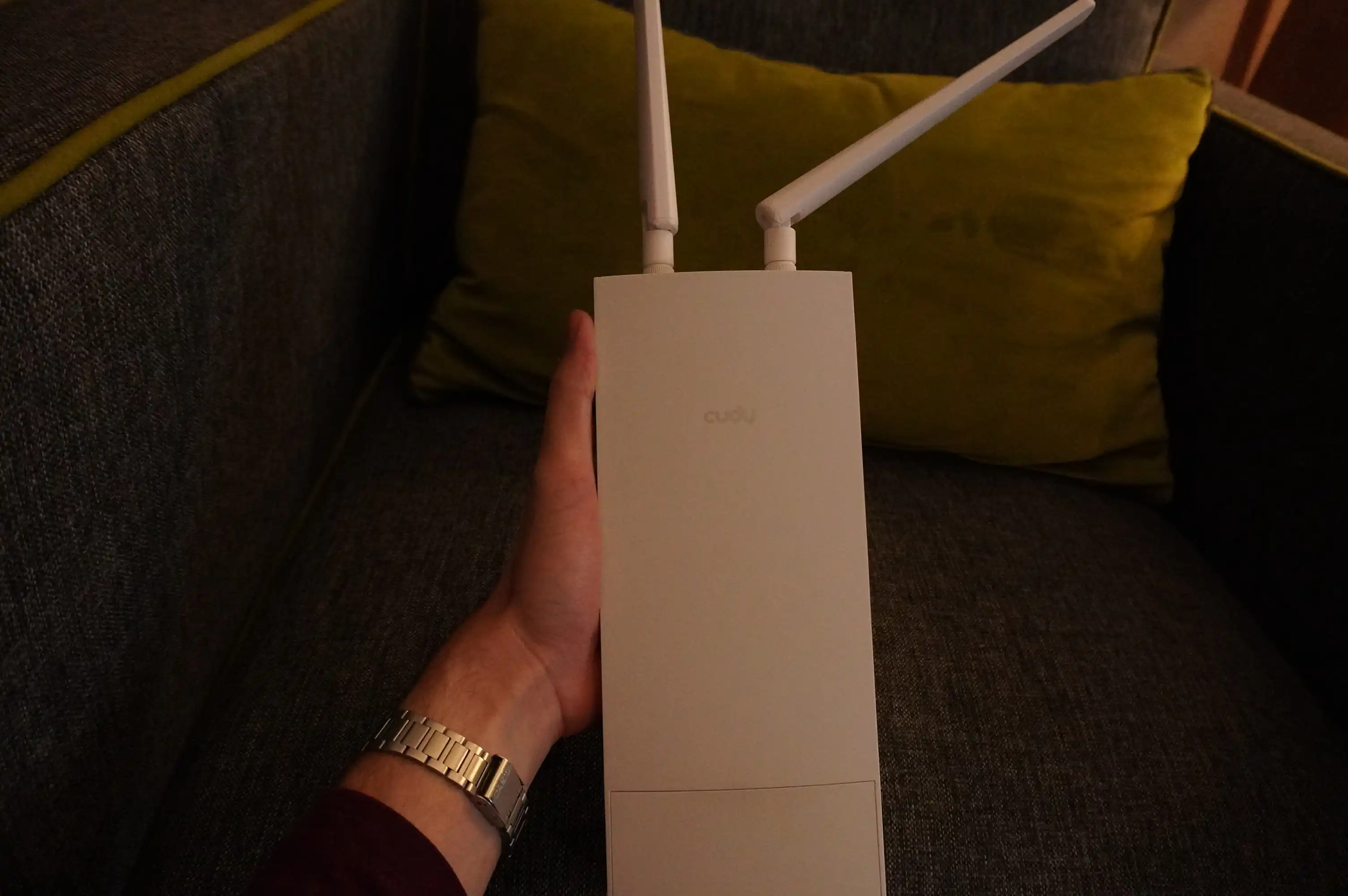
Cudy's AP300 router
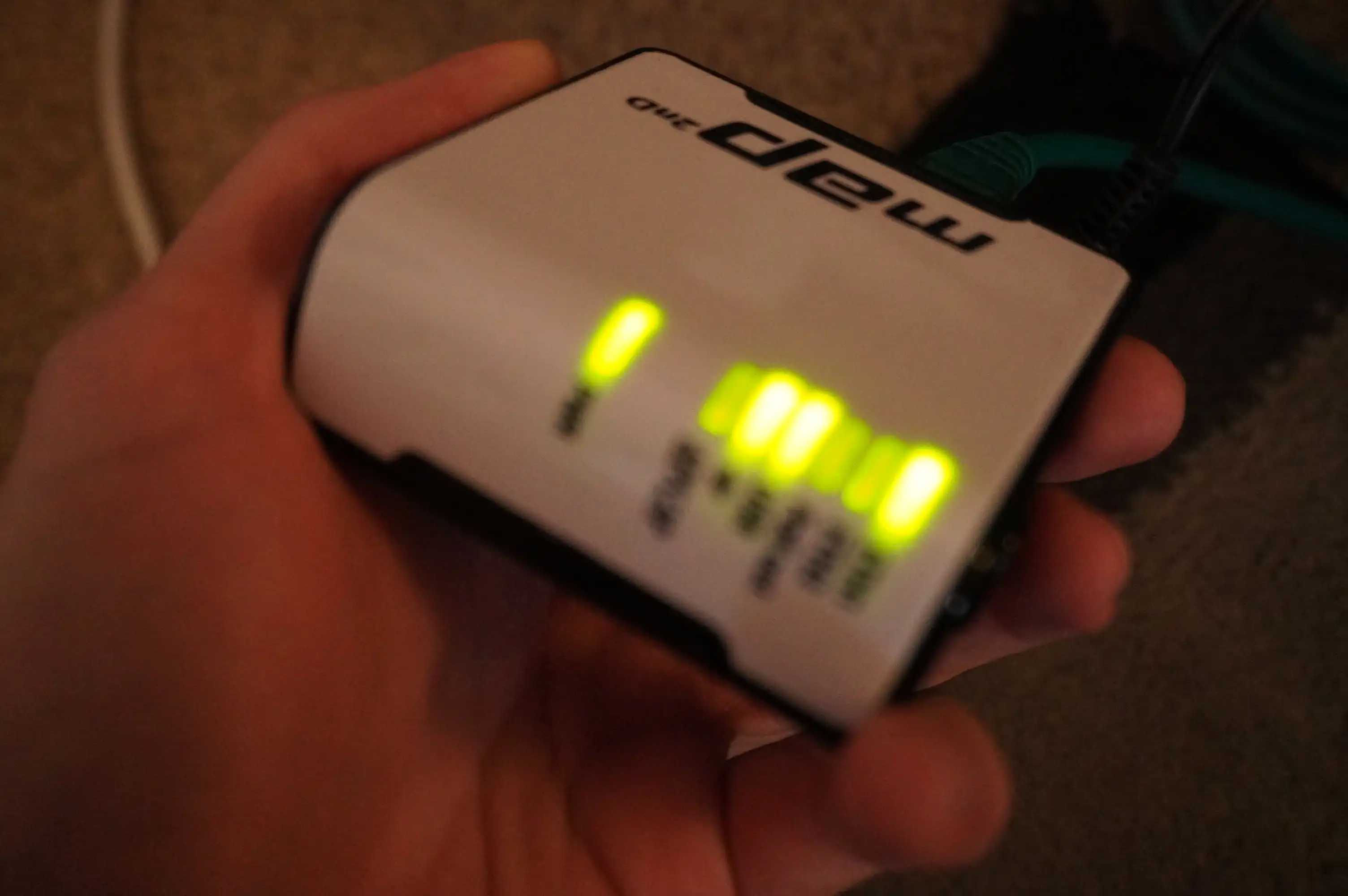
Mikrotik mAP
The word “mesh” is thrown a lot depending on where you are reading about it, it’s often used to describe the topology of nodes to one another and can technically be present at most levels of the layered networking model.
When we talk about mesh with regards to WiFi we are referring to either one of the following technologies:
mesh_fwding
option that you will see later; however we won’t be using thatI had found this page whilst writing it which at least confirms the concept of these two as being distinct.
The mesh mode allows one to configure every radio on a certain channel
and SSID such that they will see all traffic on that WiFi network appear
on their wifi1 interface. The neat part is that there is no dedicated
access point and hence no central point of failure - no one node is
responsible for broadcasting the “network”. But all nodes can see the
traffic of all neighbouring nodes.
As soon as a new device is in range, it “joins” the network. There is no handshake as there is no central point to handshake with, you just start transmitting. The same applies for reception of frames, as soon as something is received on that channel+SSID then you accept it.
The main take-home point is that this results in one big Ethernet segment containing Ethernet frames from Ethernet devices in the immediate radio vicinity of one another.
The mesh_fwding option allows optional forwarding via one of the
nodes in the case where you have A <-> B <-> C and A cannot see
C, it’s frames will be forwarded via B and vice-versa.
We want to build mesh networks that require no central authority at any layer of the OSI model. It’s all good and well that we have sub-projects such as:
Where these are running at a layer 3 level. However, having just layer 3 operate in a decentralized manner is not good enough if the underlyring media access layer - layer 2 - requires us to have a central access point that other wireless-based nodes connect to. If that access point (AP) goes down then the remaining, what would be client nodes_ won’t be able to form an Ethernet broadcast domain (network) despite being able to otherwise see each other as they are in radio range.
This is what 802.11s fixes.
The documentation on setting this up was written about a year ago, I highly doubt much has changed since then. I also wanted to keep it as a seperate document from this one as this one is more of a rough introductory document.
Therefore if you want to jump straight into the technical documents then I recommend that you do so now.
The parameters you should be using to get your radio node onto the Novasredes 802.11s network(s) depends on which broadcast domain you want to be on. We try to seperate these for different experiments as it gives us a clean slate to work on.
Seperation is done by using the “virtual AP” capabilities that
OpenWRT provides. It is not explicitly referred to as this but
it is in affect a way to have multiple wifi-iface entries
that share the same radio - that is the same option device.
wifi-deviceYou must use the exact same parameters here for configuring the wifi radio.
TODO: Bolt-down the 2.4Ghz range and the 5Ghz range
The 2.4Ghz radio configuration:
config wifi-device 'radio0'
	option type 'mac80211'
	option path 'platform/ahb/18100000.wmac'
	option channel '3'
	option band '2g'
	option htmode 'HT20'
	option disabled '0'
| Channel | Band | HT mode |
|---|---|---|
| 3 | 2g | Leave as what you have |
wifi-iface parametersThis is for broadcast domain configuration - i.e. which 802.11 mesh to join based on which experiment you want to be a part of.
In general you will notice we always add encryption. This is just to keep random strangers off the network. “Stranger” is not really a good definition, a better one would be “people who just connect to random networks”.
Please add an entry to you wifi-iface with the following parameters:
option device 'radio0'
	option ifname 'mesh0'
	option mode 'mesh'
	option mesh_id 'Novasredes (N: YP)'
	option mesh_fwding '0'
	option encryption 'sae'
	option key 'NOVASREDES_80211S'
All fields MUST appear as is. The only ones you can change
are ifname and the chosen device. These must obviously be
set to the sensible values.